Automation integration

Wave for Zapier

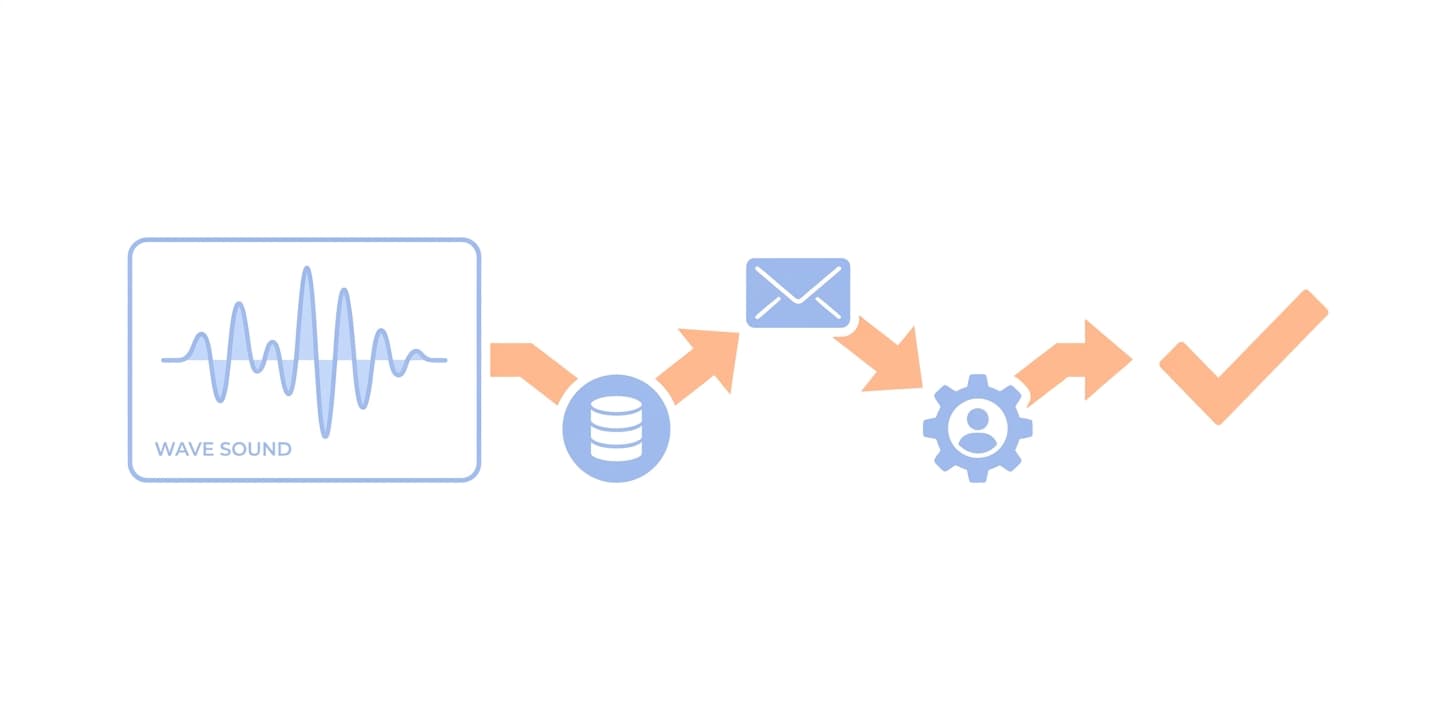
Wave's Zapier trigger fires the moment a session is ready and hands Zapier the summary, the speaker-labelled transcript and a link back to the session. Post it, file it, log it, or start any other Zap. No code, no tokens to copy.
Add Wave to Zapier
Wave for Zapier
One trigger: New Session ReadyFires once for every recording, phone call, meeting and import as soon as Wave has finished the summary. Instant delivery, not a scheduled check.
Everything Wave produced, as fieldsTitle, summary, full transcript with speaker names, your notes, duration, session type, meeting platform, language, time ready, and a link to the session in Wave.
Built for routing notes out of WavePost sales-call summaries to a Slack channel, file lecture notes in a Notion database, append a row per meeting to Google Sheets, or create a CRM note. Add a Zapier Filter step to act only on certain titles, types or keywords.

How to set it up

  1. Open Wave AI in Zapier's app directory, or in Wave's web app open Settings → Integrations → Zapier and select Open Wave on Zapier.
  2. In Zapier, create a Zap with Wave AI as the trigger app and the New Session Ready event.
  3. Sign in with your Wave account when Zapier asks. Wave authorizes Zapier for you; there is no token to paste.
  4. Pick a recent session as sample data, then add any Zapier action: Slack, Notion, Google Sheets, HubSpot, Salesforce, Airtable, Gmail and thousands more.
  5. Turn the Zap on. The next session you finish triggers it.

Full walkthrough: Zapier setup in the Wave Help Center

Who it’s for

  • Anyone who wants meeting notes to show up where the team already works
  • Sales and customer teams logging calls into a CRM
  • Solo operators automating client follow-ups
  • Teams without engineering time for the Wave API

Things to know

Frequently asked

What's the difference between Zapier and the Wave API?+

Zapier is no-code and ideal for moving a finished session into off-the-shelf apps. The Wave API and MCP server are for developers and AI assistants that need to search, read and work with sessions on demand. Many teams use both.

Do I need a paid Zapier plan?+

Zapier's free plan is enough to try it. Higher-volume or multi-step Zaps may need a paid Zapier plan; that is Zapier's billing, not Wave's. Wave's side is included with every plan.

Can I trigger a Zap only when a transcript mentions a keyword?+

Yes. Use the New Session Ready trigger, then add a Zapier Filter step that checks the Transcript, Summary or Title field for the keyword before the action runs.

Where do I find the Wave app in Zapier?+

Wave AI is in Zapier's app directory: search for Wave AI when you create a Zap, or open Settings → Integrations → Zapier in the Wave web app and select Open Wave on Zapier. Any Zapier account can use it.

Other integrations: Claude · Claude Code · ChatGPT · Codex · Cursor · Grok · Muse · Zoom · Google Meet · Microsoft Teams · Google Calendar · Microsoft OneNote · Notion · Obsidian · Slack


Wave app screenshot showing meeting transcription
Wave AI note taker background pattern