
Wave vs Fireflies.ai
Compare Wave and Fireflies.ai for meeting transcription. See how mobile-first local recording stacks up against bot-based virtual meeting capture.
 Windows
 Chrome
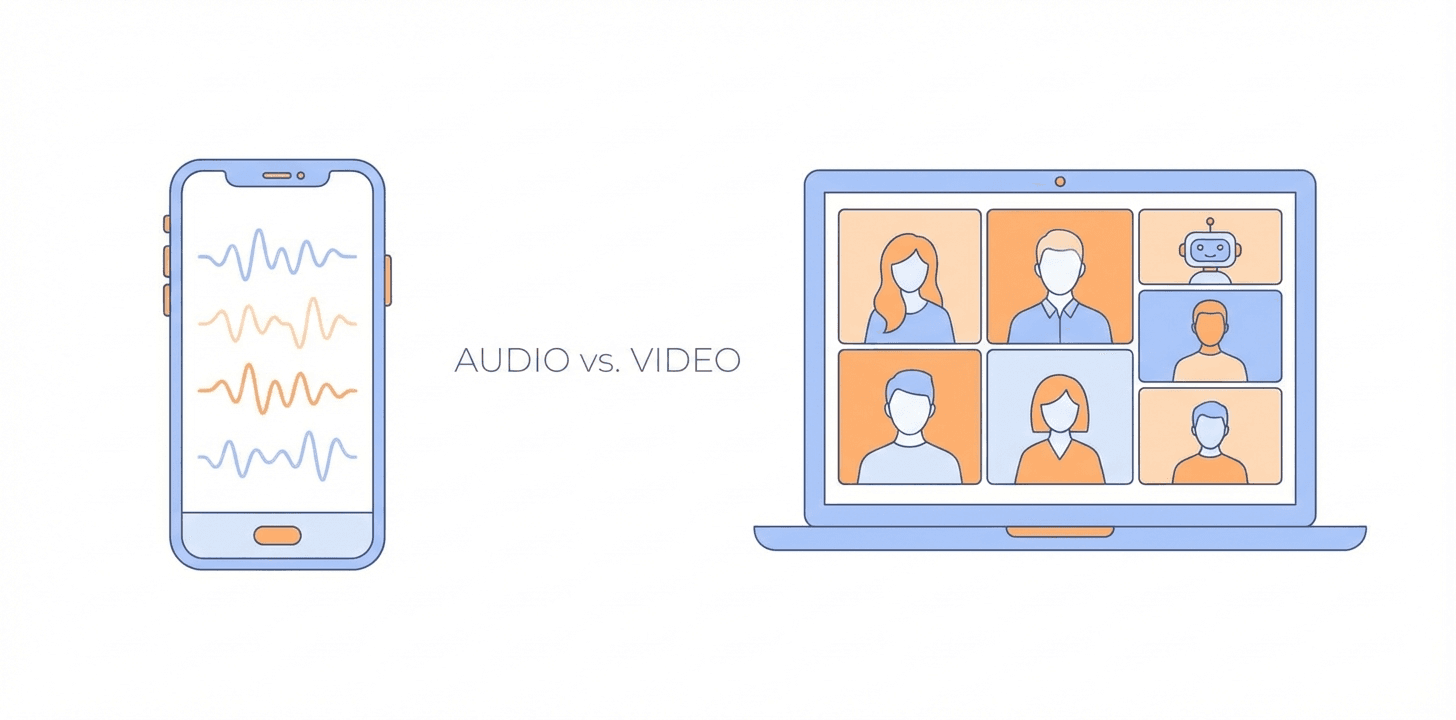
Fireflies.ai has built a strong reputation with sales teams and organizations that need meeting transcripts wired into their CRM. Wave is built for a different audience — people whose conversations happen as often in person or on the phone as they do on Zoom. Both produce transcripts and AI summaries, but the underlying approach to recording creates meaningful trade-offs.
Here's where each tool genuinely excels, and where it falls short.
How They Record
The biggest difference between Wave and Fireflies.ai is which conversations they can reach.
Fireflies.ai is built around a bot that auto-joins the meetings on your calendar — Zoom, Google Meet, Microsoft Teams, and Webex — as a visible participant, records the audio, and processes it in the cloud. Around that core it has added a desktop app and a Chrome extension that capture video calls without a bot, and a mobile app for iPhone and Android that records in-person conversations from the phone's microphone or uploads an existing file. (Fred is the name of its AI assistant, not the bot.) What it still lacks is any way to record a phone call, and there is no watch app.
Wave starts from the phone instead of the calendar. Press record on your iPhone, Android phone, or Apple Watch for anything in person. Record incoming and outgoing phone calls through the built-in Phone Bridge. For video calls, send the Wave bot to Zoom, Meet, or Teams, or capture mic + system audio on Mac or Windows with the Wave desktop app and no bot. Import a file for the same transcript and summary.
This means Wave works for any type of conversation — in-person meetings, lectures, interviews, field interviews, phone calls, brainstorming sessions at a coffee shop — with the same archive, search, and AI chat across all of them.
Privacy and Data Handling
Fireflies.ai processes recordings in the cloud and stores transcripts on its servers; private storage and zero-data-retention options are reserved for its Enterprise plan. For teams with strict data handling requirements, that is worth checking before you commit.
Wave is built with a privacy-first architecture. Wave never trains AI models on your data and is SOC 2 Type 1 compliant. Wave’s report covers the design of controls relevant to Security as of March 1, 2025. If you're recording sensitive conversations — legal discussions, client calls, HR meetings — this matters.
Wave also gives you the choice of how to record. Use the meeting bot when transparency is expected. Use the desktop app or mobile recorder when you want to capture audio without a bot in the participant list. Having that flexibility means you can match your recording method to the context.
Feature Comparison
- Recording methods: Wave offers a meeting bot, the desktop app with no bot, the Phone Bridge for phone calls, the mobile app, Apple Watch, and file imports. Fireflies.ai offers a meeting bot, a no-bot desktop app and Chrome extension, mobile recording, and file imports.
- In-person meetings: Both record from a phone. Wave adds Apple Watch and Wear OS capture and keeps in-person, phone, and video recordings in one searchable archive.
- Phone calls: Wave records incoming and outgoing calls on iPhone and Android through its Phone Bridge. Fireflies.ai has no phone-call recording of its own; dialer integrations can feed call recordings in.
- Virtual meetings: Both can join Zoom, Teams, and Meet with a bot, and both can capture a call without one — Wave through its desktop app on Mac and Windows, Fireflies through its desktop app and Chrome extension.
- Speaker identification: Both offer speaker labels in transcripts. Wave's Voice ID recognizes the people you name across every recording.
- AI summaries: Both generate automatic meeting summaries with key points and action items.
- Platform support: Wave is available on iPhone, Android, Apple Watch, Wear OS, Mac, Windows, and the web. Fireflies.ai is web-first with desktop and mobile apps and no watch app.
- CRM integrations: Fireflies.ai offers deep integrations with Salesforce, HubSpot, and other CRMs. Wave has an open API and an MCP server, so Claude, ChatGPT, and other AI assistants can read your recordings directly.
- Team collaboration: Fireflies.ai has built-in team workspaces, commenting, shared meeting libraries, and video recording of calls on paid plans. Wave is designed for individual use with easy sharing, plus Wave Teams for shared billing and access.
- Privacy: Wave is SOC 2 compliant and never trains on your data. Fireflies.ai processes and stores data in the cloud, with private storage on Enterprise only.
- Pricing: Fireflies Free is 400 min per team of storage; Pro is $18 a seat per month, or $10 billed yearly; Business is $29 a seat monthly or $19 billed yearly. Wave's free plan is 30 minutes a month; paid plans start at $80 a year or $15 a month with unlimited recording.
Where Fireflies.ai Shines
Fireflies.ai is a strong choice for sales teams and organizations that live inside their CRM. If your workflow revolves around logging Zoom calls to Salesforce, automatically tagging deal-related conversations, and sharing meeting notes across a large team, Fireflies.ai has purpose-built features for that. Its team collaboration tools — shared transcript libraries, comment threads, and analytics dashboards — are designed for organizations where multiple people need access to the same meeting records.
The automatic bot-joins-your-calendar approach also works well if every meeting you care about is a scheduled virtual call. You set it up once and don't have to think about it again.
Where Wave Wins
Wave is the better fit if your meetings don't all happen on Zoom. A student recording a lecture uses the mobile app. A consultant on a client call uses the Phone Bridge. A remote worker on back-to-back Zoom calls uses the desktop app or meeting bot. Someone walking into a meeting taps record on their watch. Wave covers all of these because it offers multiple recording methods instead of locking you into one.
Wave also wins on flexibility around privacy. When recording is expected, use the bot. When discretion matters, use the desktop app or mobile recorder. No data is used for AI training, and the app is SOC 2 compliant. For professionals in regulated industries, having the option to record without a bot is a meaningful advantage.
Which Should You Choose?
If you're part of a large sales team that needs CRM integration and shared meeting libraries for virtual calls, Fireflies.ai is built for that workflow.
If you want a meeting transcription app that works everywhere — virtual calls, in-person meetings, phone conversations, lectures — with the flexibility to choose how you record each one, Wave is the more versatile option. Use the bot when it makes sense, skip it when it doesn't, and keep your data under your control either way.

