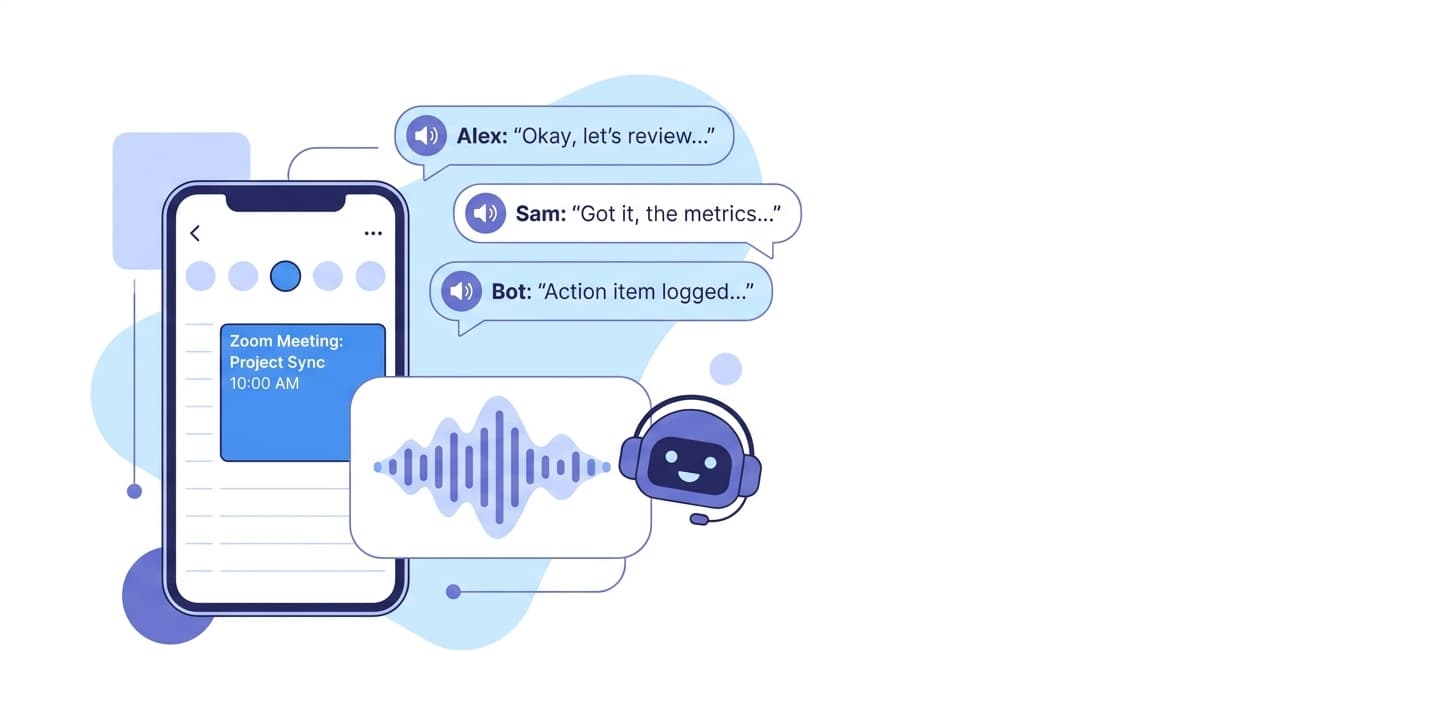
Connect your Google or Outlook calendar and a Wave meeting bot will auto-join every scheduled Zoom call. After the meeting you get a transcript with speaker labels and an AI summary — no manual recording, no missed details.
Full walkthrough: Zoom setup in the Wave Help Center
Both. When the Wave bot joins a Zoom meeting it records the video (MP4) as well as the audio; you can download the video from the session, and the transcript and summary are produced from the audio track. Recordings made with Wave for Mac and Windows instead of the bot are audio only.
No. As long as the meeting is on your calendar and the host admits the Wave bot, you get the recording — even when you are a guest on someone else's call.
Yes. In the Wave desktop app for Mac and Windows you can record your computer audio directly, capturing both your mic and the system audio without joining a bot. See the desktop app at wave.co/desktop.
It depends on the webinar configuration. If the webinar allows external participants, the bot can typically join. Restricted webinars may block the bot.
No. Wave does not use your recordings, transcripts, or summaries to train AI models. See the Security page for details.
Other integrations: Claude · Claude Code · ChatGPT · Codex · Cursor · Grok · Muse · Google Meet · Microsoft Teams · Google Calendar · Microsoft OneNote · Notion · Obsidian · Slack · Zapier



Product
Use Cases
Compare
All rights reserved
Made with love in New York City