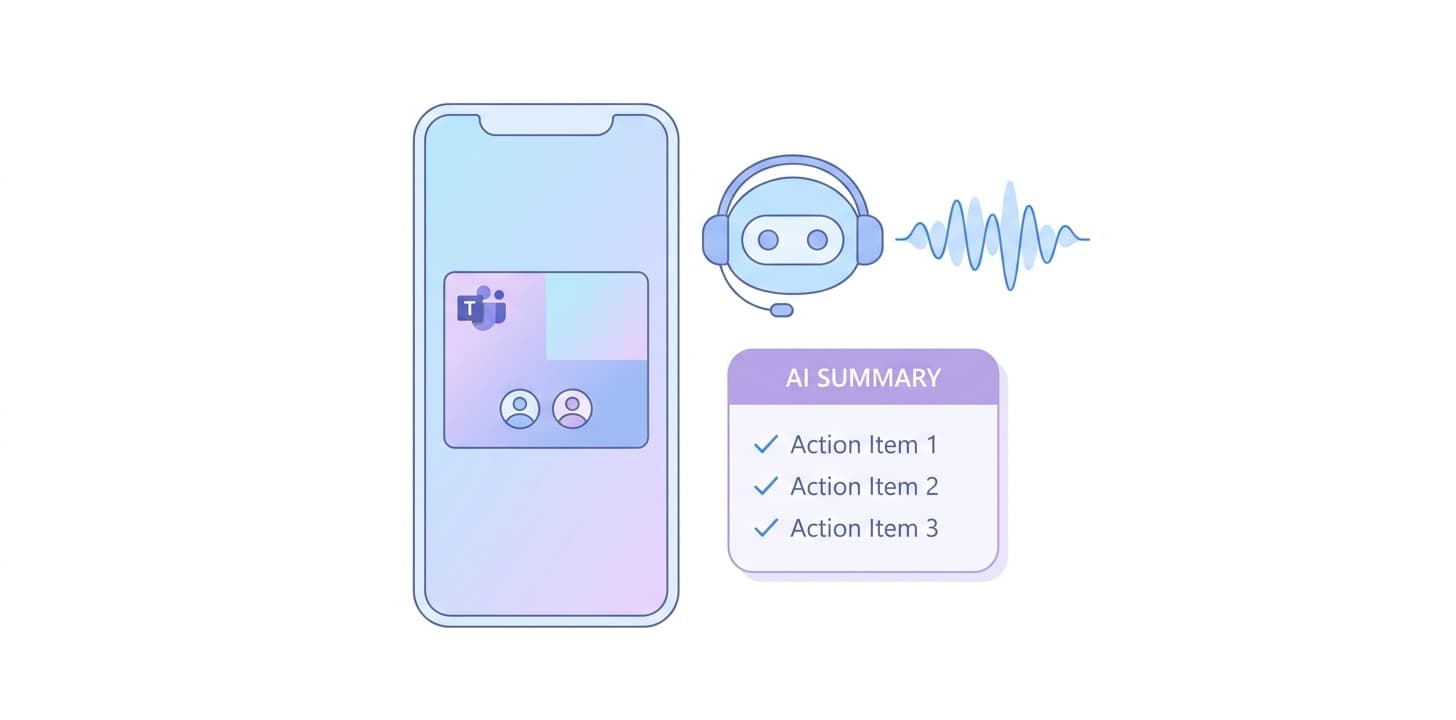
Connect your Outlook or Google calendar and a Wave meeting bot joins every scheduled Microsoft Teams call. You get a speaker-labeled transcript and an AI summary after the meeting — no admin add-ins, no manual recording.
Full walkthrough: Microsoft Teams setup in the Wave Help Center
No. Wave joins as an external meeting participant via the Teams join link on your calendar invite. There is nothing to install in your Microsoft 365 tenant.
Ask your IT admin to allow Wave's meeting bot, or use Wave for Mac or Windows to capture the call's mic and system audio locally — no bot required.
Wave works wherever it has a join link from your calendar. Channel meetings without a calendar invite are not auto-joined.
Yes. When the Wave bot joins a Teams meeting it records the video (MP4) as well as the audio; you can download the video from the session, and the transcript and summary are produced from the audio track. Recordings made with Wave for Mac and Windows instead of the bot are audio only.
No. Wave does not use your recordings, transcripts, or summaries to train AI models.
Other integrations: Claude · Claude Code · ChatGPT · Codex · Cursor · Grok · Muse · Zoom · Google Meet · Google Calendar · Microsoft OneNote · Notion · Obsidian · Slack · Zapier



Product
Use Cases
Compare
All rights reserved
Made with love in New York City